


详解如何配置springboot跳转html页面
时间:2022-05-22 08:20:54|栏目:JAVA代码|点击: 次


本文主要介绍了如何配置springboot跳转html页面,分享给大家,具体如下:
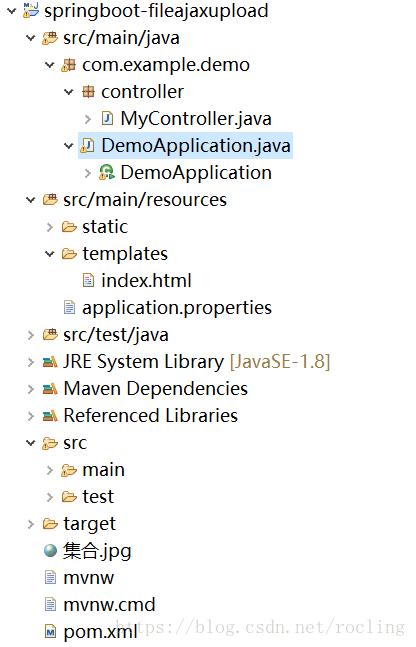
1.首先在pom文件中引入模板引擎jar包,即:
<dependency>
  <groupId>org.springframework.boot</groupId>
  <artifactId>spring-boot-starter-thymeleaf</artifactId>
</dependency>
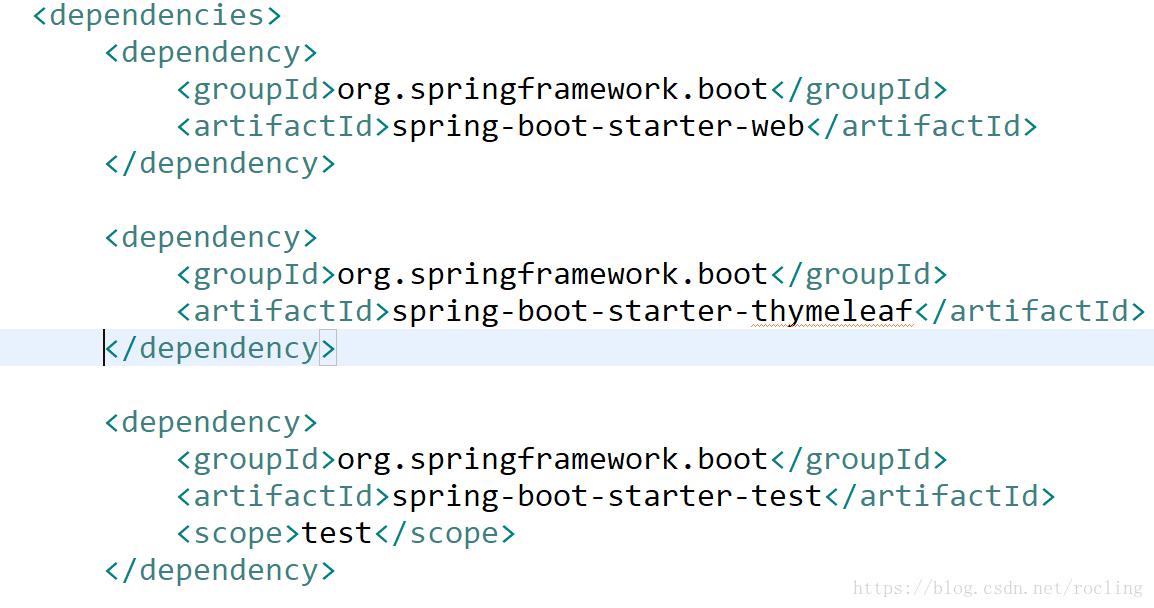
2.在application.properties中配置模板引擎
spring.thymeleaf.prefix=classpath:/templates/
是让controller层到templates文件夹寻找xx.html(src/main/resources/templates)

3.在templates下建立index.html文件
<!DOCTYPE html>
<html lang="en">
<head>
  <meta charset="UTF-8"/>
  <title>Title</title>
</head>
<body>
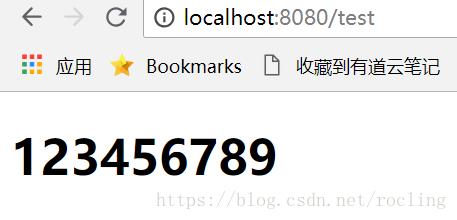
<h1>123456789</h1>
</body>
</html>
4.controller层
package com.example.demo.controller;

import org.springframework.stereotype.Controller;
import org.springframework.web.bind.annotation.RequestMapping;

/**
 * Created by kemp on 2018/8/15.
 */
@Controller
public class MyController {

  @RequestMapping("/test")
  public String test(){
    return "index";
  }
}
注意:@controller不是@RestController,使用@RestController会返回“index”字符串
5.在浏览器中地址栏输入:http://localhost:8080/test
上一篇:java实现九宫格拼图游戏
栏 目:JAVA代码
下一篇:带你了解Java数据结构和算法之前缀,中缀和后缀表达式
本文地址:http://www.codeinn.net/misctech/202551.html


阅读排行
- 1Java Swing组件BoxLayout布局用法示例
- 2Java邮件发送程序(可以同时发给多个地址、可以带附件)
- 3Caused by: java.lang.ClassNotFoundException: org.objectweb.asm.Type异常
- 4java中-jar 与nohup的对比
- 5Java中自定义异常详解及实例代码
- 6深入理解Java中的克隆
- 7解析SpringSecurity+JWT认证流程实现
- 8java读取excel文件的两种方法
- 9spring boot里增加表单验证hibernate-validator并在freemarker模板里显示错误信息(推荐)
- 10深入解析java虚拟机